
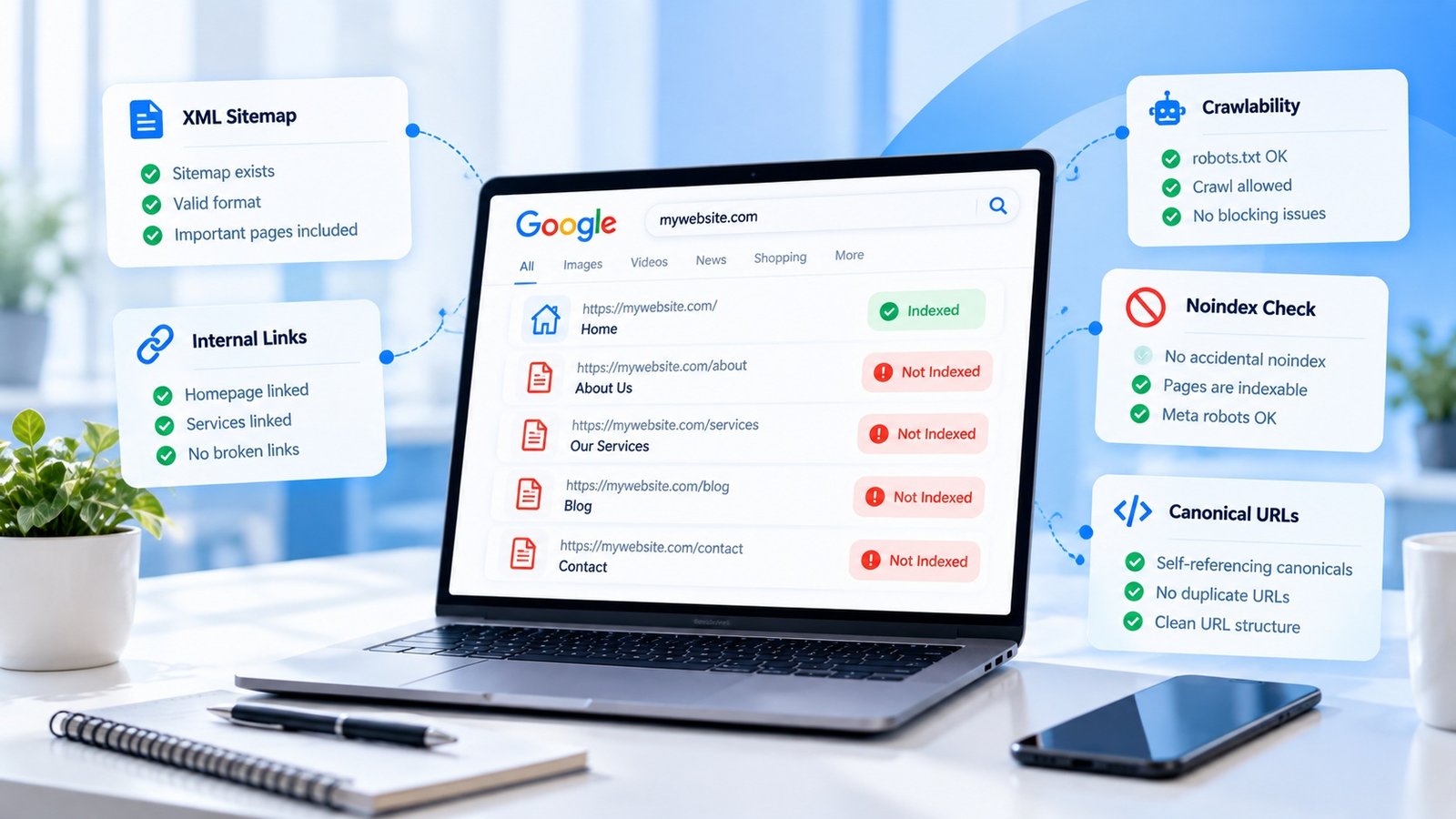
You launch a website with ten, twenty, or even fifty useful pages.
A few days later, you search Google.
Your homepage appears.
You feel relieved.
Then you search for one of your service pages.
Nothing.
You search for another.
Still nothing.
Now the question becomes:
Why did Google find my homepage but not the rest of my website?
There are several possible reasons, and not all of them mean something is seriously wrong.
Start With the Page Itself
Before looking at complicated technical issues, open the page directly.
Does it load correctly?
Does it return a normal response?
Is the page accessible without logging in?
Does it contain meaningful content?
A page that isn’t accessible to normal visitors obviously has a problem that needs to be fixed first.
Check the Indexing Directive
One important check is whether the page contains an instruction preventing indexing.
A page can be available to visitors while still telling search engines not to include it.
This can happen accidentally during development.
For example, a developer may have used a noindex setting on a staging site and the same configuration may have remained when the production website launched.
Look at Your Sitemap
If your website has an XML sitemap, check whether the missing pages are included.
Suppose your website has:
- Home
- About
- Services
- Web Design
- SEO
- Contact
But the sitemap only contains the first three.
That doesn’t automatically mean Google cannot discover the other pages, but it is something worth investigating.
Internal Linking Matters
Your important pages should not be isolated.
If your SEO service page is only accessible through a hidden route and no other useful page links to it, discovery can become more difficult.
Think about your website structure.
Your homepage could link to your major service categories.
Those categories can link to individual services.
Your blog can link to relevant service pages.
This creates a connected website rather than a collection of isolated URLs.
Similar Pages Can Also Create Confusion
Sometimes a website has several pages that are almost identical.
For example:
- Web Design
- Website Design
- Web Development Design
- Business Website Design
If all four pages contain nearly the same information, you should ask whether they really need to exist separately.
A smaller number of genuinely useful pages can sometimes be easier to manage than dozens of nearly identical pages.
Don’t Assume “Not Ranking” Means “Not Indexed”
These are different things.
A page can be indexed but appear very far down in search results.
Another page may not be indexed at all.
Before changing your content, first determine which situation you are dealing with.
This distinction can save a lot of unnecessary work.
Give New Pages Time
New pages may need time to be discovered and processed.
Instead of repeatedly searching Google manually, use available webmaster tools to inspect the indexing status of individual URLs and your overall website.
This gives you more useful information about what search engines are seeing.
Review the Page Quality
If a page is technically accessible but contains very little useful information, don’t immediately assume that adding keywords will solve the problem.
Ask whether the page actually deserves to exist.
Does it answer a specific question?
Does it explain the service?
Does it provide useful information?
Does it offer something different from your other pages?
Good SEO starts with useful pages.
Final Thoughts
When Google indexes your homepage but not your other pages, don’t panic.
Start with the basics.
Check accessibility.
Check indexing directives.
Check your sitemap.
Review internal links.
Look at the content.
Check whether the pages are genuinely useful and distinct.
Most importantly, separate indexing problems from ranking problems.
Once you know which problem you actually have, finding the next step becomes much easier.