
Traditionally, users entered keywords into search engines such as Google and explored a list of website links. Today, people are increasingly asking AI-powered tools questions and expecting direct answers, summaries, product recommendations, and explanations.
Instead of searching for “best website security practices” and opening several articles, a user might ask an AI assistant to explain the best security practices and recommend useful resources.
This change has created a new challenge for website owners:
How can you make your website content easier for AI systems and automated agents to understand?
One concept receiving attention in the SEO and web development community is llms.txt.
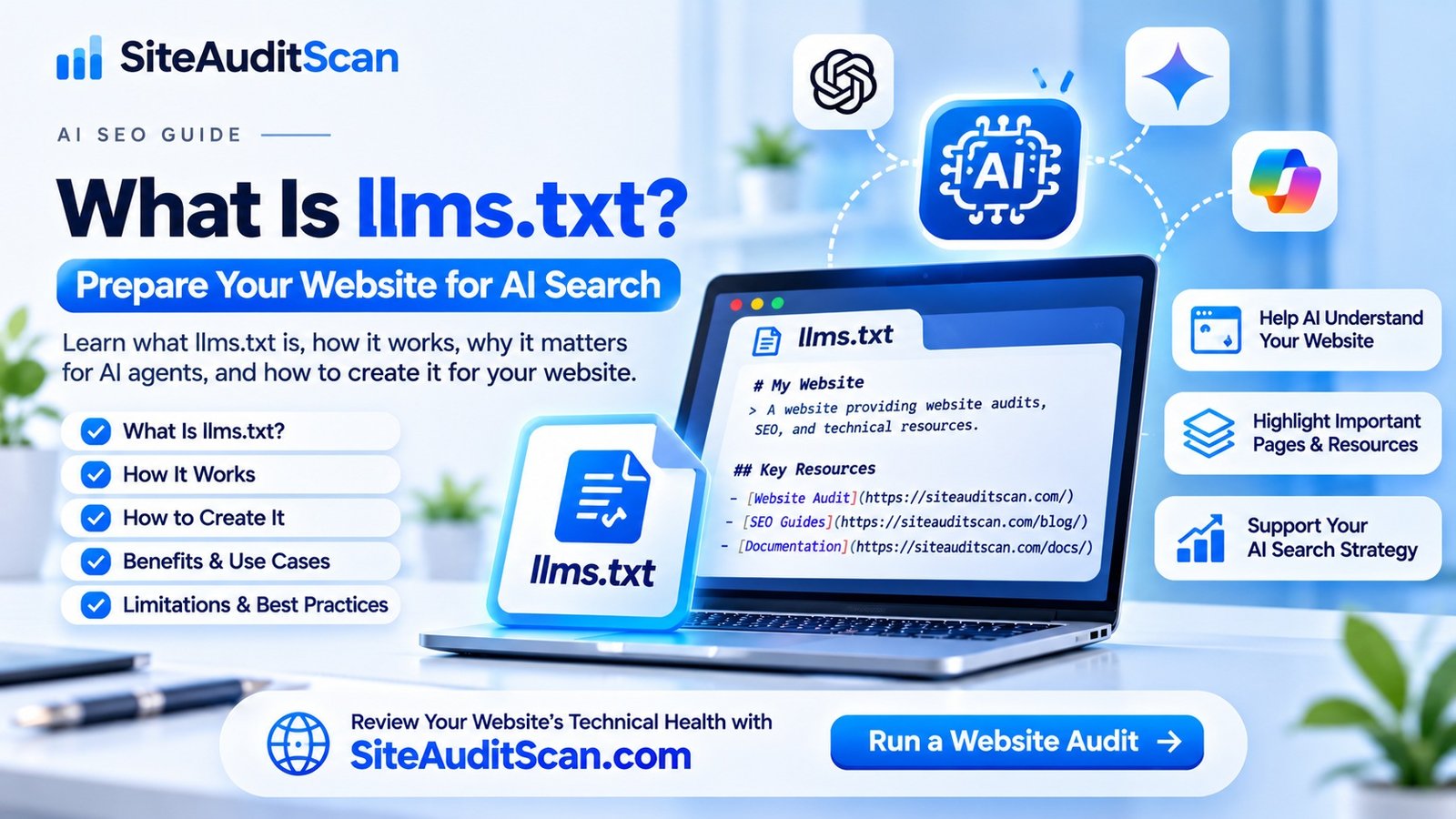
The llms.txt file is a proposed, Markdown-based format designed to provide AI systems and agents with a concise overview of a website and links to its most useful content.
But does adding this file improve your Google rankings? Can it help ChatGPT or other AI tools discover your website? Is it necessary for every website?
There is a lot of confusion surrounding these questions.
In this guide, we will explain what llms.txt is, how it works, how it differs from traditional SEO files, and how you can create one for your website.
If you are also reviewing your website’s technical SEO and overall health, visit SiteAuditScan.com to explore the available website audit checks.
1. What Is llms.txt?
llms.txt is a plain-text Markdown file that website owners can place in their website’s root directory.
Its purpose is to provide a short description of a website and point AI agents towards important pages, documentation, products, resources, or other useful information.
For example, if your website is:
https://example.com/
The file would typically be accessible at:
https://example.com/llms.txt
The idea is simple.
Websites are designed primarily for human visitors. They contain navigation menus, advertisements, scripts, images, pop-ups, and other interface elements.
An AI agent attempting to understand a website may need to process a considerable amount of information to identify the pages that matter.
An llms.txt file provides a curated starting point by listing important resources in a readable format.
It may contain:
- Website name and description.
- Main products and services.
- Important website pages.
- Blog and knowledge resources.
- Technical documentation.
- Frequently asked questions.
- Links to additional useful information.
The format was proposed by Jeremy Howard and is maintained as a community proposal. It is not a mandatory search engine standard.
2. Why Was llms.txt Introduced?
Websites have traditionally been structured around human browsing behaviour.
Visitors can navigate menus, click buttons, open categories, and explore pages. However, AI agents may need a more direct way to identify the most useful information on a website.
Consider a website with 200 pages.
These pages may include:
- Homepage.
- About page.
- Services.
- Pricing.
- Blog articles.
- Contact information.
- Product documentation.
- Support pages.
- Privacy policies.
An AI agent trying to understand the website may not need every page. It may only need a small number of important resources.
The llms.txt proposal attempts to solve this problem by providing a curated index.
Instead of requiring an agent to discover every relevant page independently, the website owner can provide a short guide describing the website and linking to selected resources.
This can be particularly useful for:
- Software documentation websites.
- Developer platforms.
- API documentation.
- Knowledge bases.
- Technical blogs.
- Product information websites.
- Large content libraries.
The key idea is to make useful website information easier for compatible AI agents to locate and interpret.
3. How Does an llms.txt File Work?
An llms.txt file is not a complicated application or plugin. It is a text file written using Markdown formatting.
A website owner creates the file, adds a short description of the website, organizes important resources into sections, and publishes it at the appropriate location.
For example:
https://example.com/llms.txt
When a compatible AI agent or tool chooses to retrieve the file, it can read the summary and follow the links to relevant website content.
The basic process looks like this:
- A website owner creates an
llms.txtfile. - The file describes the website and its important resources.
- The file is uploaded to the website’s root directory.
- A compatible agent can request the file.
- The agent can use the listed links as a starting point for understanding the website.
One important point: publishing the file does not force AI systems to read it. Each AI provider or agent decides which resources and formats it supports.
4. What Should You Include in an llms.txt File?
The quality of an llms.txt file depends on how clearly it describes your website.
Avoid adding every URL without any organization. Instead, focus on important resources that genuinely help someone understand your website.
Here are the main sections you can consider.
Website Name and Description
Start with the website name and a brief explanation of what it offers.
Example:
# Example Website
> A website providing digital services, technical resources, and educational content for businesses.
Main Website Pages
Add links to important pages such as:
- Homepage.
- About us.
- Services.
- Products.
- Contact.
- Pricing.
Blog and Educational Resources
List useful articles that explain your expertise and provide value to visitors.
For example:
- Website security guides.
- Website performance tutorials.
- SEO troubleshooting articles.
- Website maintenance resources.
Technical Documentation
If your website offers software, APIs, or developer tools, include documentation that explains how they work.
Frequently Asked Questions
You can link to pages that answer common questions about your products, services, and processes.
Optional Resources
You can add secondary resources that are useful but not essential to understanding the website.
The objective is to create a clear, useful index rather than an unnecessarily large collection of links.
5. How to Create llms.txt for Your Website
Creating an llms.txt file is relatively simple. You do not need to build a separate application or database to publish it.
Here is a practical implementation process.
Step 1: Prepare Your Website Information
Identify the most important information about your website.
Make a list of:
- Website name.
- Website purpose.
- Main services or products.
- Important pages.
- Useful blog articles.
- Documentation and support resources.
Use short descriptions that explain what each page contains.
Step 2: Create a Text File
Open a text editor such as Notepad or Visual Studio Code.
Create a new file named:
llms.txt
Make sure the file is saved with the exact .txt extension rather than accidentally becoming llms.txt.txt.
Step 3: Add Markdown Content
Write your website summary and organize the links using Markdown headings and lists.
Use meaningful section names and descriptions.
Avoid adding inaccurate information, outdated URLs, or pages that are not publicly accessible.
Step 4: Upload the File to Your Website Root Directory
Upload the file to the root directory of your domain.
For example, if your website uses a hosting account with a public_html directory, the file may need to be placed there.
Your final URL should be:
https://example.com/llms.txt
For a Next.js website, you can also place the file inside the project’s public directory so that it is served from the root of the deployed domain.
Step 5: Test the File
Open the final URL in your browser.
Confirm that:
- The file loads successfully.
- It returns an appropriate HTTP response.
- The content is readable.
- The links point to the correct pages.
- There are no unexpected redirects or server errors.
Step 6: Keep the File Updated
Whenever your website structure changes significantly, review the file.
Remove outdated URLs, add important new resources, and correct descriptions when services or documentation change.
An inaccurate file can create confusion rather than helping an agent understand your website.
6. What Is the Difference Between llms.txt, robots.txt, and sitemap.xml?
This is one of the most important things website owners should understand.
Although these files are all associated with website discovery and automated systems, they have different purposes.
| File | Main purpose |
|---|---|
| robots.txt | Provides crawling instructions to compatible crawlers |
| sitemap.xml | Lists URLs that search engines can discover |
| llms.txt | Provides a curated overview and resource links for compatible AI agents |
robots.txt
The robots.txt file provides instructions about which parts of a website automated crawlers are requested to access or avoid.
Example:
https://example.com/robots.txt
It may contain rules for search engine crawlers and other bots.
However, robots.txt is not an authentication system. It does not securely protect private files or guarantee that every bot follows its instructions.
sitemap.xml
An XML sitemap helps search engines discover important URLs on your website.
Example:
https://example.com/sitemap.xml
It may include blog posts, pages, products, and other indexable content.
A sitemap is particularly useful for large websites and websites with frequently updated content.
llms.txt
An llms.txt file provides a concise description of your website and links to selected resources.
Example:
https://example.com/llms.txt
It is designed as an informational resource for compatible AI agents rather than a crawler access-control file.
Remember: These files do not replace one another. A well-maintained website may use all three for their separate purposes.
7. Does llms.txt Improve Google Rankings?
This is where website owners need to be careful.
There are many online discussions suggesting that adding llms.txt can improve SEO, help websites appear in AI answers, or increase organic traffic.
However, these claims should not be treated as established facts.
Google has clarified that Google Search does not use llms.txt or similar special AI text files as a ranking or visibility signal, including for its generative search features.
Publishing the file will not automatically:
- Improve Google rankings.
- Get pages indexed faster.
- Guarantee appearance in AI Overviews.
- Increase organic traffic.
- Guarantee citations in AI-generated answers.
Google’s guidance continues to emphasize established website fundamentals, including accessible pages, useful content, internal linking, and good technical implementation.
So, why consider publishing llms.txt?
Because it is a proposed way to provide a curated information index for compatible agents and tools. It may be useful for agent navigation, especially on documentation-heavy websites.
Think of it as an additional resource, not an SEO shortcut.
8. Can llms.txt Help Your Website Appear in ChatGPT or Other AI Tools?
This is another common question.
AI-powered tools can use information from websites through different methods, including search integrations, crawling, direct URL retrieval, and other retrieval systems.
A properly structured website with useful content can be easier for systems to understand and reference.
However, publishing llms.txt does not guarantee that a particular AI platform will read it or cite your website.
Each provider determines how its systems discover and retrieve website information.
If your goal is to improve your website’s visibility in AI-powered search experiences, focus on the broader foundations:
Create useful and original content
Publish information that answers real questions and provides practical value.
Make important pages accessible
Ensure that your main content can be accessed by visitors and permitted crawlers.
Use clear page structures
Organize content with meaningful headings, descriptive titles, and logical sections.
Build strong internal links
Connect related articles and important service pages.
Maintain accurate business information
Keep company descriptions, products, services, and contact details consistent.
Use structured data where appropriate
Implement relevant structured data that accurately reflects the visible content of your pages.
Keep content updated
Review outdated information and maintain accurate technical documentation.
These improvements are valuable regardless of whether an AI platform uses llms.txt.
9. Should Every Website Have an llms.txt File?
Not necessarily.
The usefulness of an llms.txt file depends on the type of website and the information it contains.
Websites That May Benefit from It
Documentation websites: Software documentation platforms may have hundreds of technical pages. A curated index can help compatible agents locate the most relevant resources.
Developer platforms: Websites offering APIs, SDKs, and technical guides can organize their documentation for easier retrieval.
SaaS businesses: A software company may use the file to summarize its product, features, documentation, and support resources.
Educational websites: Websites with large libraries of tutorials and guides may benefit from providing a clear resource index.
Content-rich websites: Publishers and blogs may use it to organize important articles and topic collections.
Websites That May Not Need It
A small website with only a homepage, about page, contact page, and a few service pages may not gain much practical value from maintaining an additional file.
It is not a mandatory requirement for every business website.
If you decide to implement it, keep it accurate and avoid treating it as a substitute for proper SEO.
10. Common llms.txt Mistakes Website Owners Should Avoid
As interest in AI search optimization grows, many websites may add llms.txt without understanding its purpose.
Avoid these mistakes:
Mistake 1: Expecting instant SEO improvements
Adding the file does not guarantee better Google rankings or AI visibility.
Mistake 2: Replacing robots.txt with llms.txt
These files have different purposes. Do not use llms.txt as a crawler access-control mechanism.
Mistake 3: Adding every website URL
A curated selection of important resources is more useful than an unorganized list of hundreds of links.
Mistake 4: Publishing incorrect URLs
Broken links and outdated pages make the resource list less useful.
Mistake 5: Adding private information
Never include passwords, API keys, private documents, confidential URLs, or sensitive business information.
Mistake 6: Forgetting to update the file
When important pages change, review the file so that it continues to describe your website accurately.
Mistake 7: Ignoring traditional SEO
Do not spend all your time on AI-related files while ignoring crawlability, indexing, website speed, mobile usability, and content quality.
11. How SiteAuditScan Can Help You Review Your Website’s Technical Health
Preparing your website for changing search technologies requires more than creating a new text file.
Your website should also have a strong technical foundation.
Broken links, incorrect redirects, performance problems, inaccessible pages, and other technical issues can affect the overall website experience and deserve attention.
With SiteAuditScan.com, website owners can explore the audit checks currently available on the platform and use the results to identify areas that may need improvement.
You can use the available checks as a starting point to:
- Review your website’s technical health.
- Identify potential website issues.
- Understand areas that require attention.
- Prioritize website maintenance improvements.
- Recheck your website after implementing changes.
Remember that an automated website audit cannot guarantee AI search visibility or confirm that every AI platform can access your content.
For llms.txt specifically, manually verify that the file is accessible at your website’s root URL and that all listed links are correct.
Want to review your website’s technical condition?
Visit SiteAuditScan.com – Website Audit Tool and explore the available website audit checks.